
Writing a page with AI
Add one new page to an existing site, written by AI to match your description.
With your AI key connected:
- In the editor, click + Page.
- Enter a Page name (and a File name if you like).
- Choose Write it with AI.
- Describe what the page should contain.
- Click Write page.
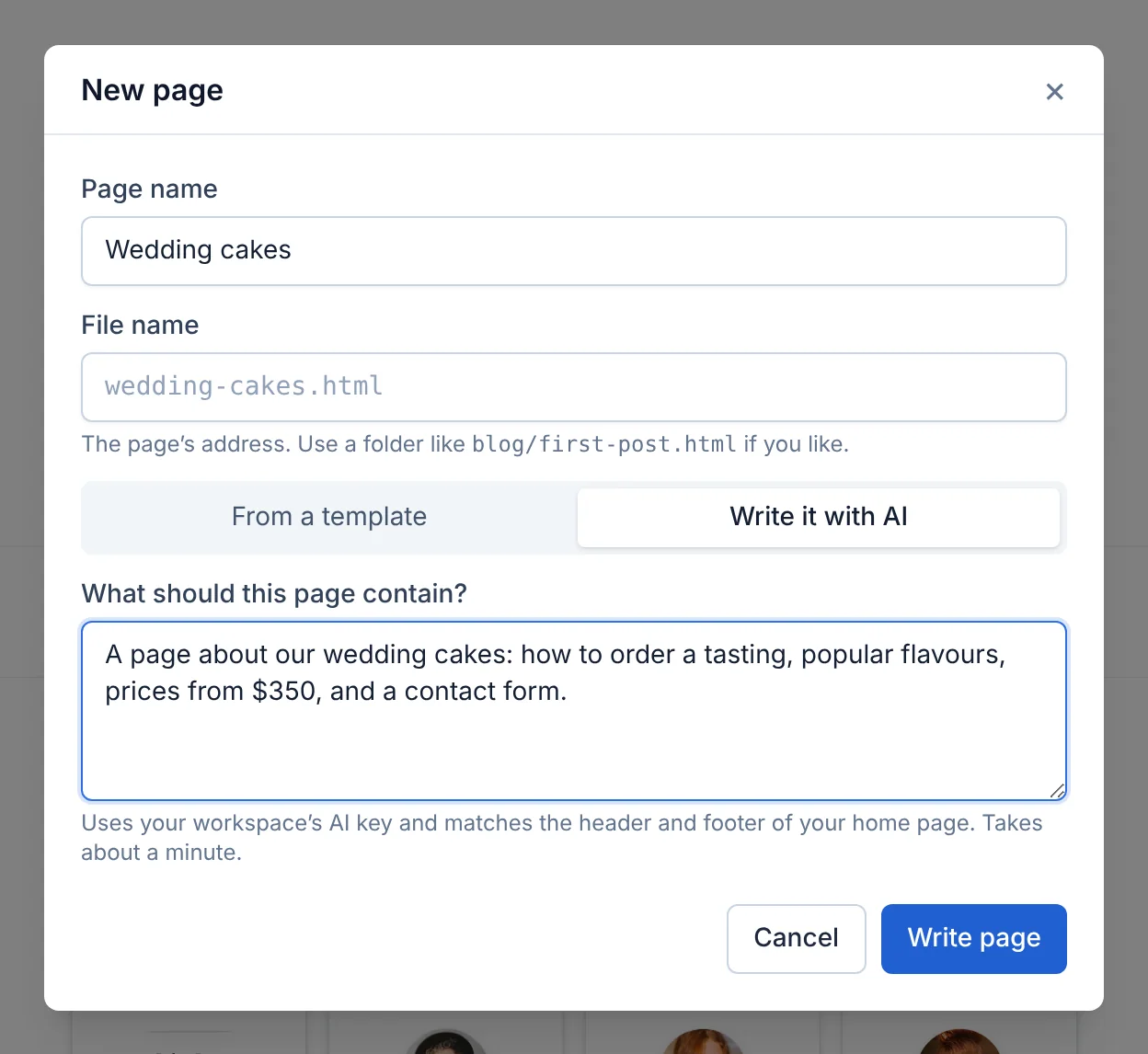
After a minute or so the new page opens, with your home page's header, footer and style. Edit it like any other page.
Updated Oct 12, 2026, 7:47 PM
Didn’t find what you need? Contact support.