
Previewing your pages
See exactly what visitors will see before you publish.
Click Preview in the editor toolbar. Your latest changes are saved and the page opens in a new tab, just as a visitor would see it — with menus, sliders, animations and embedded widgets working.
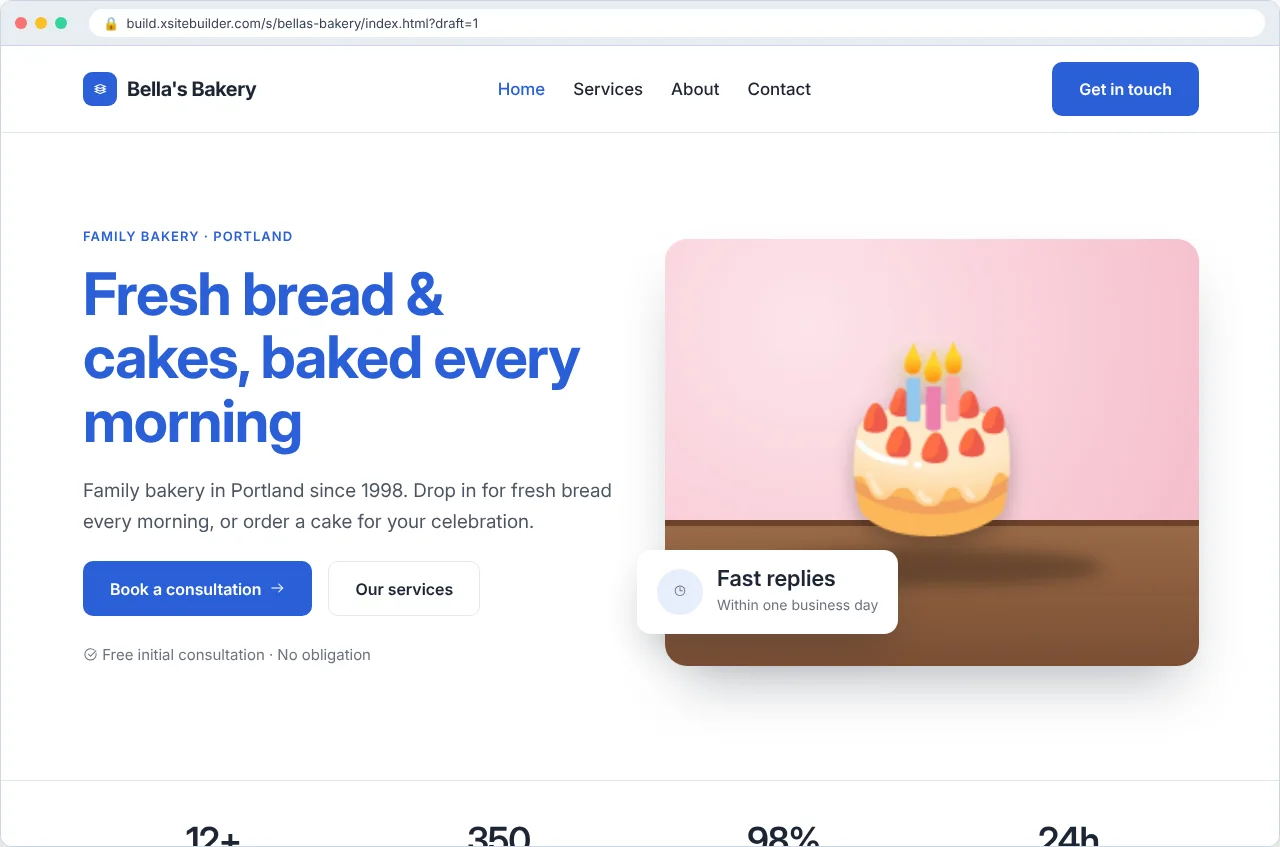
You can also click Preview next to any page on the site's page (Manage).
Previews show your draft, and only people signed in to your workspace can open them. To show someone else, publish the site.
Why does the preview look different from the editor?
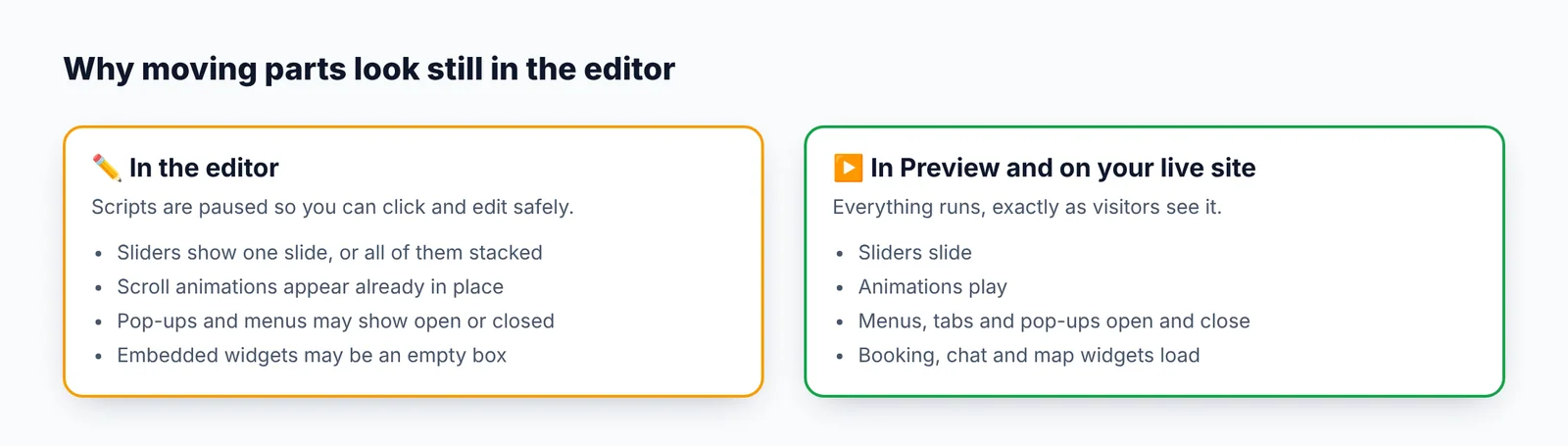
The editor pauses your page's scripts so you can click and edit things safely. Preview always shows the real thing. See The editor looks different from my live site.
Updated Oct 12, 2026, 7:47 PM
Didn’t find what you need? Contact support.