
Import problems
Common reasons an HTML or .zip import fails, and how to fix them.
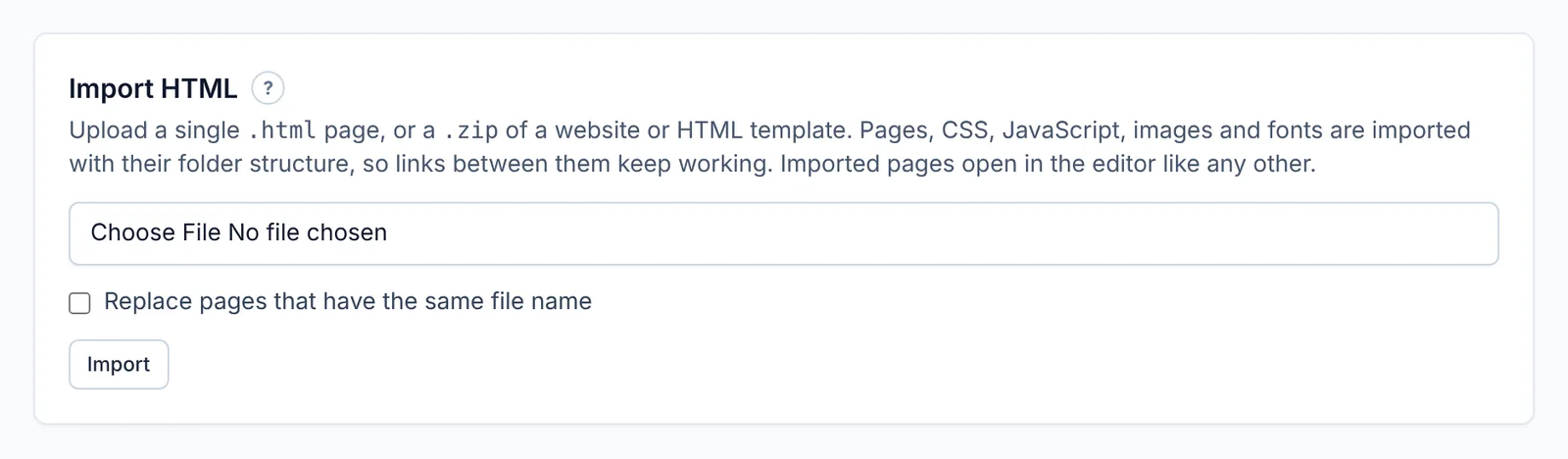
"Upload an .html file or a .zip" — only .html, .htm and .zip files can be imported. Other archive types (.rar, .7z, .tar) need converting to .zip first.
The upload is too big — a .zip can be up to 1 GB, and a single HTML page up to 10 MB. Remove files you don't need (original photos, videos, design files) from the .zip.
Page limit reached — the import would take the site over your plan's page limit. Delete pages you don't need, import fewer, or upgrade.
Storage full — the files would take you over your plan's storage. See Plans and limits.
Pages look unstyled — the CSS files weren't in the .zip, or the pages expect them in a different folder. Keep the folder structure exactly as it was on the original website.
Built with React, Vue or Angular — these need "building" first. Import the built files (usually a dist or build folder), not the source code.
Copying a website failed — the website may block copying, need a login, or be very slow. Try fewer pages, or just the start page.
Didn’t find what you need? Contact support.