
The editor looks different from my live site
Why sliders, animations, pop-ups and widgets look different while editing — and how to check the real thing.
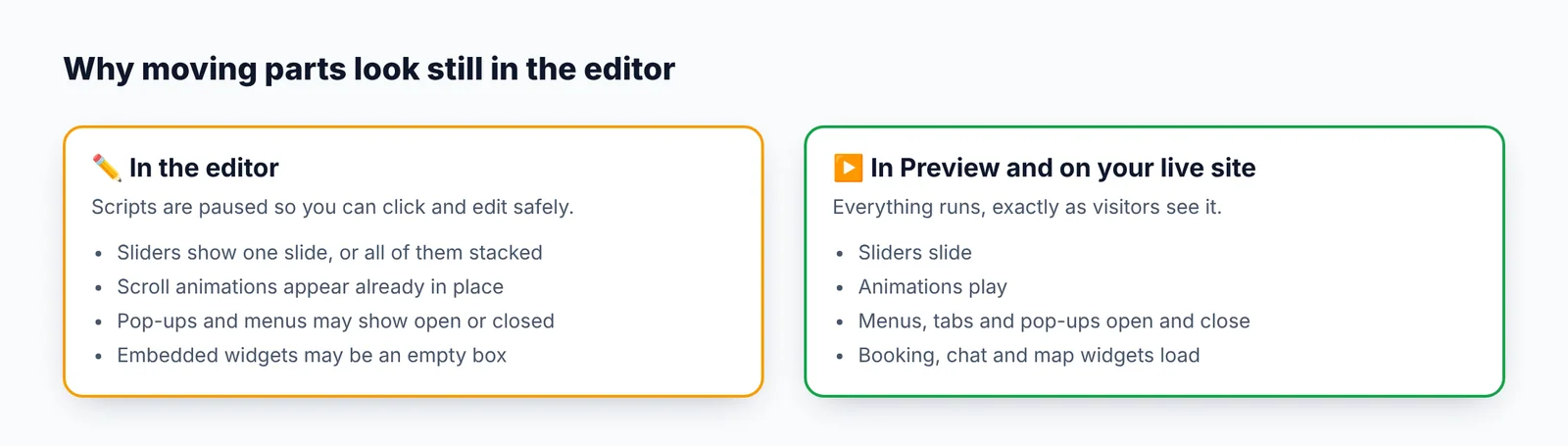
The editor shows your page with its scripts paused. That keeps editing safe and lets you click on anything, but it means interactive parts look different while you edit:
- Sliders and carousels may show all their slides stacked, or only the first one.
- Animations (things that fade or slide in as you scroll) appear already in place.
- Pop-ups, menus and tabs may show open, or closed.
- Embedded widgets (booking, chat, social feeds, maps from code) may show as an empty box.
- Mobile menus — the "hamburger" button may not open.
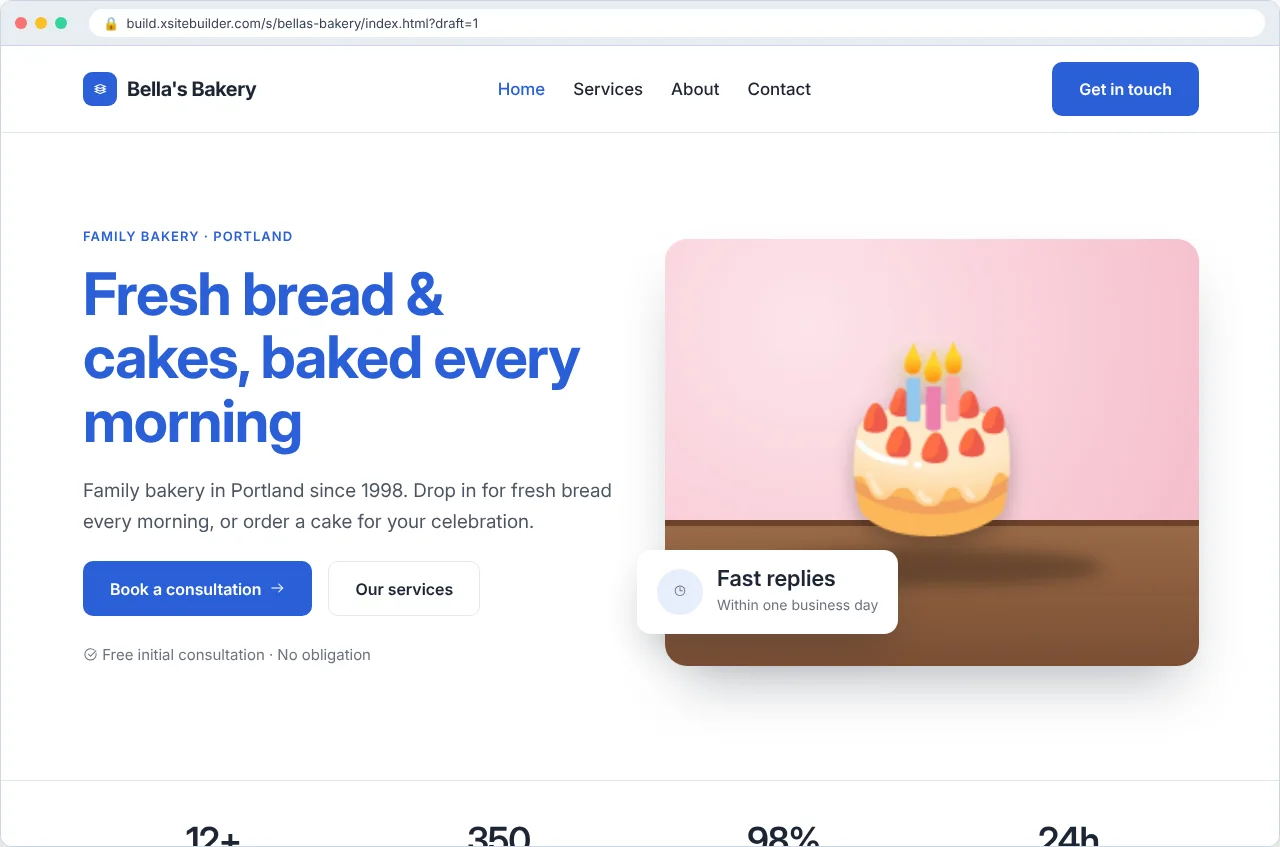
None of this affects your live site. Click Preview to see the page with everything working:
Things that should look the same
Text, images, colours, fonts and layout should match the preview. If they don't:
- Press Save, then reload the editor (your browser's refresh button).
- Check you're in the right view — Desktop, Tablet or Mobile.
- If images are missing, see Missing images.
Updated Oct 12, 2026, 7:47 PM
Didn’t find what you need? Contact support.