
Workspaces
Keep separate businesses or clients apart, each with its own sites, team and plan.
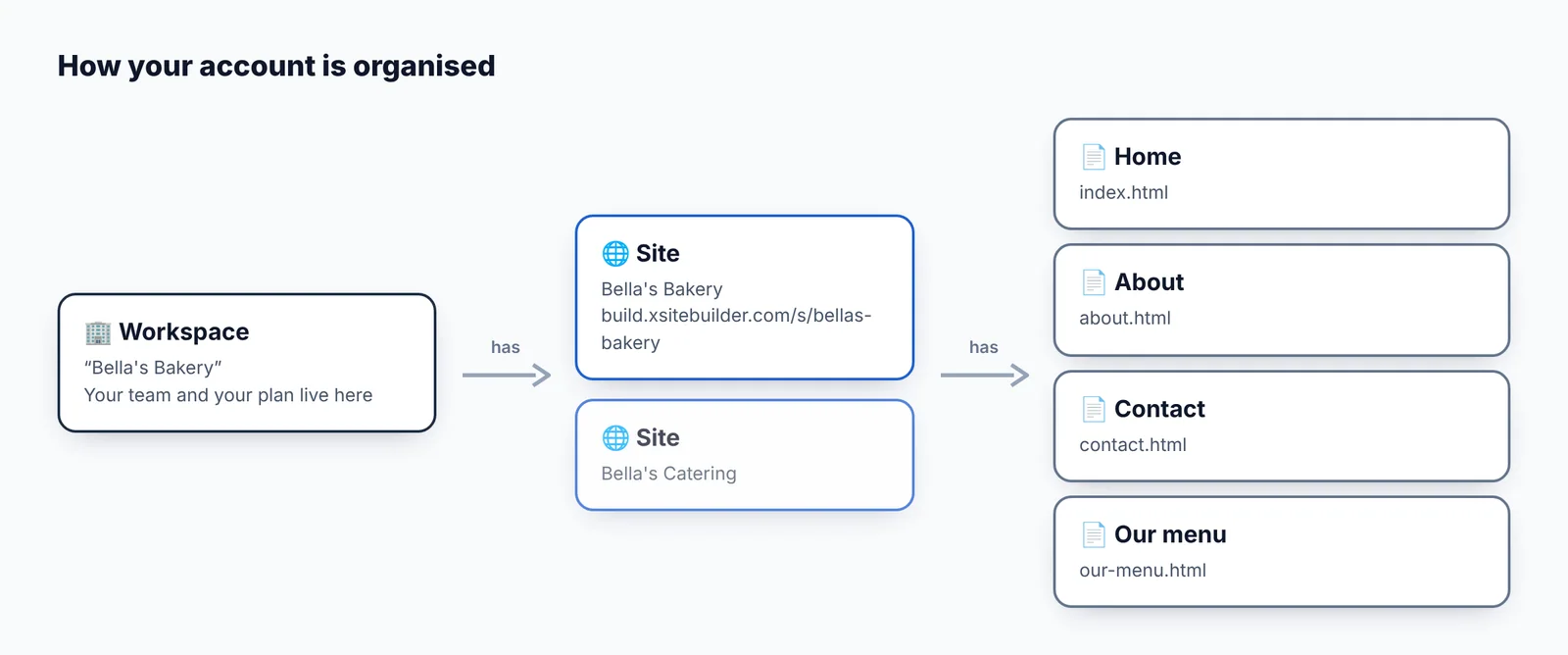
A workspace holds sites, a team and a plan. You get one when you sign up.
Switch between workspaces
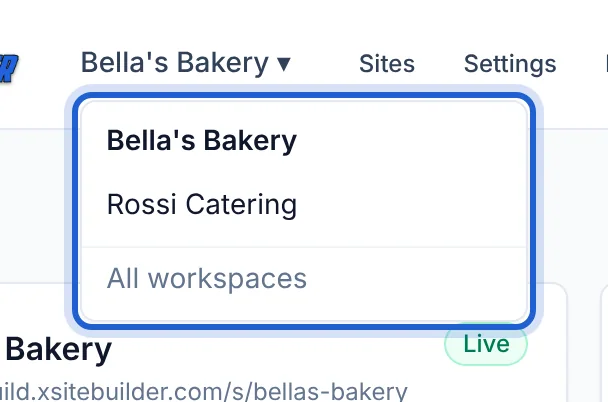
Click the workspace name in the top bar and choose another one:
Create another workspace
Choose All workspaces from that menu (or go to https://build.xsitebuilder.com/dashboard), type a name under New workspace and click Create.
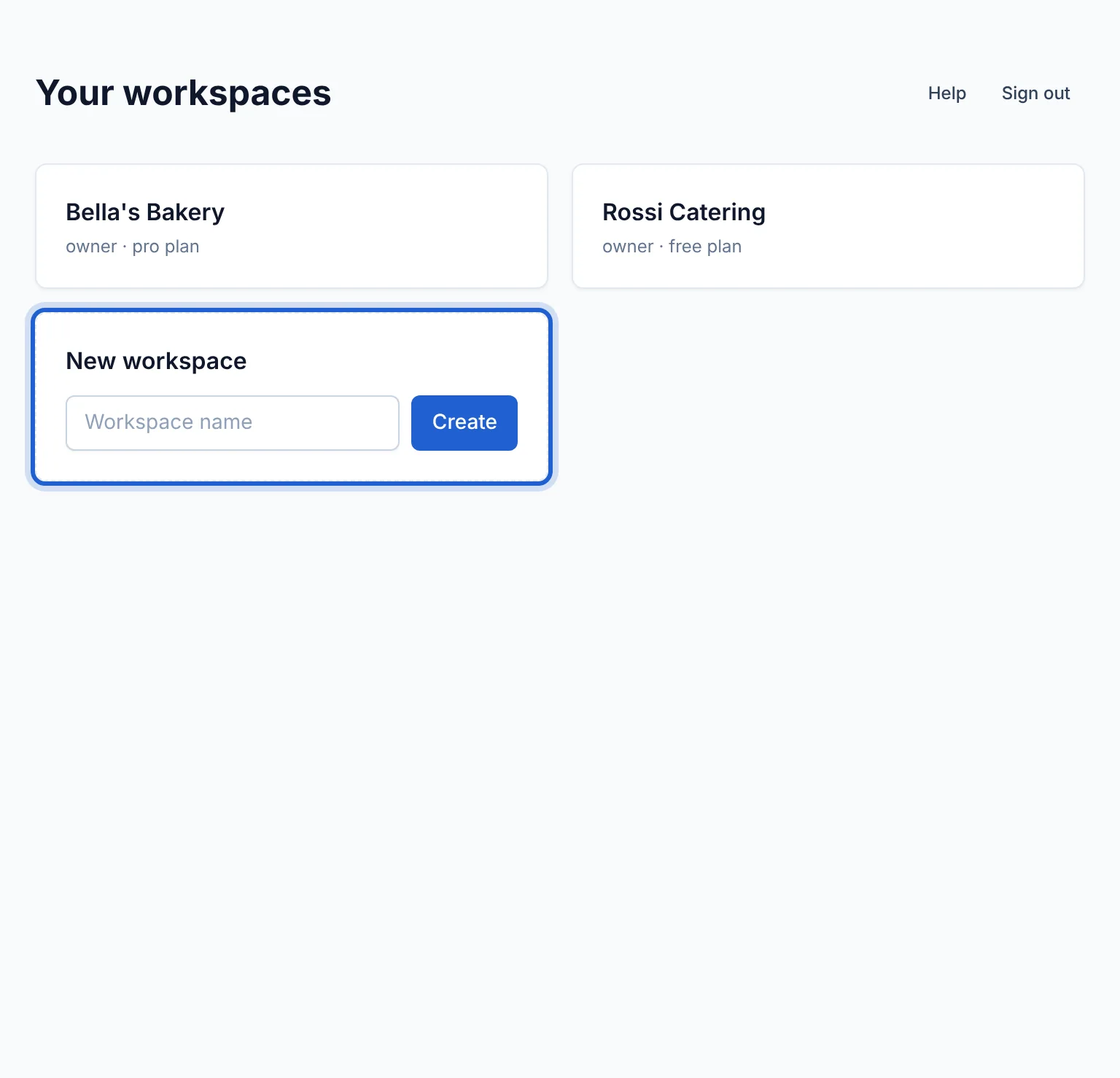
Each new workspace starts on the Free plan.
Rename a workspace
Settings → General: change the name and click Save.
Updated Oct 12, 2026, 7:47 PM
Didn’t find what you need? Contact support.