
Resetting your password
Forgot your password, or want to change it? Here's how.
On the sign-in page, click Forgot your password? (or go to https://build.xsitebuilder.com/forgot).
Enter your account's email address and click Send reset link.
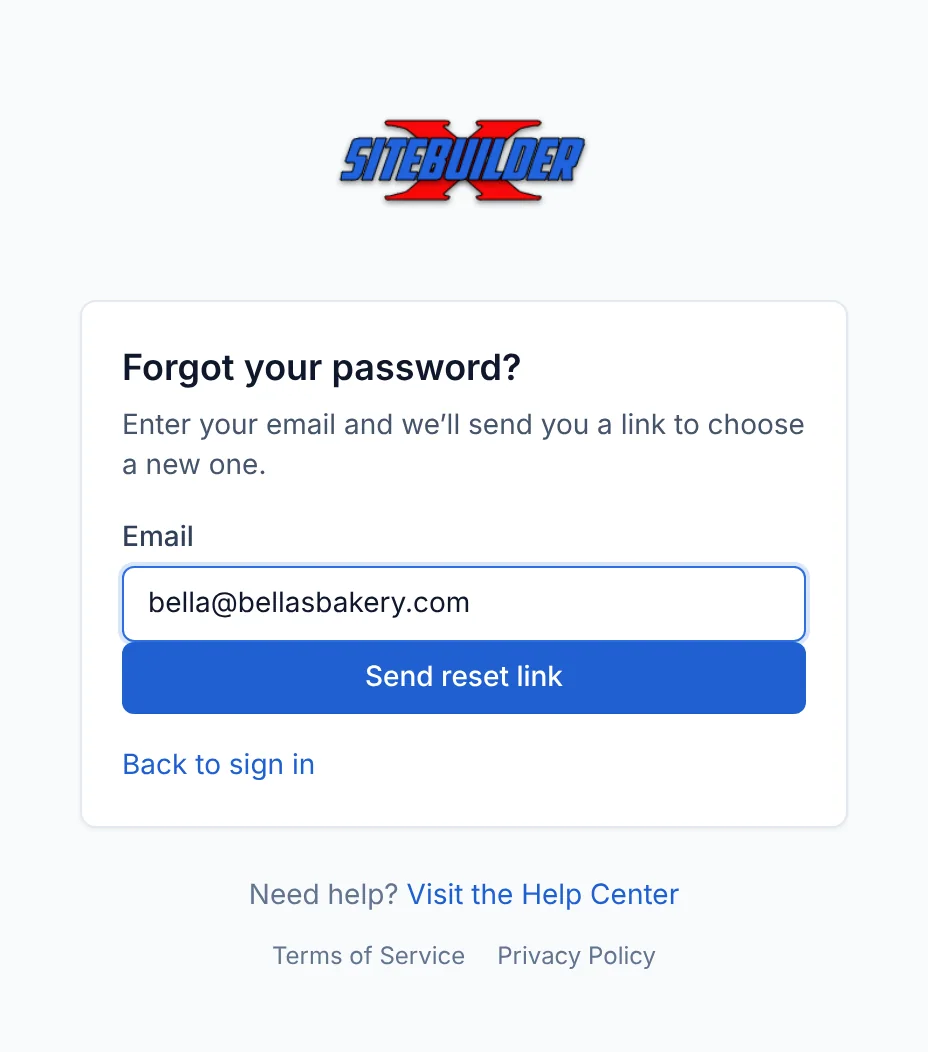
Forgot your password? Open the email and click Choose a new password. The link works once and expires after 2 hours.
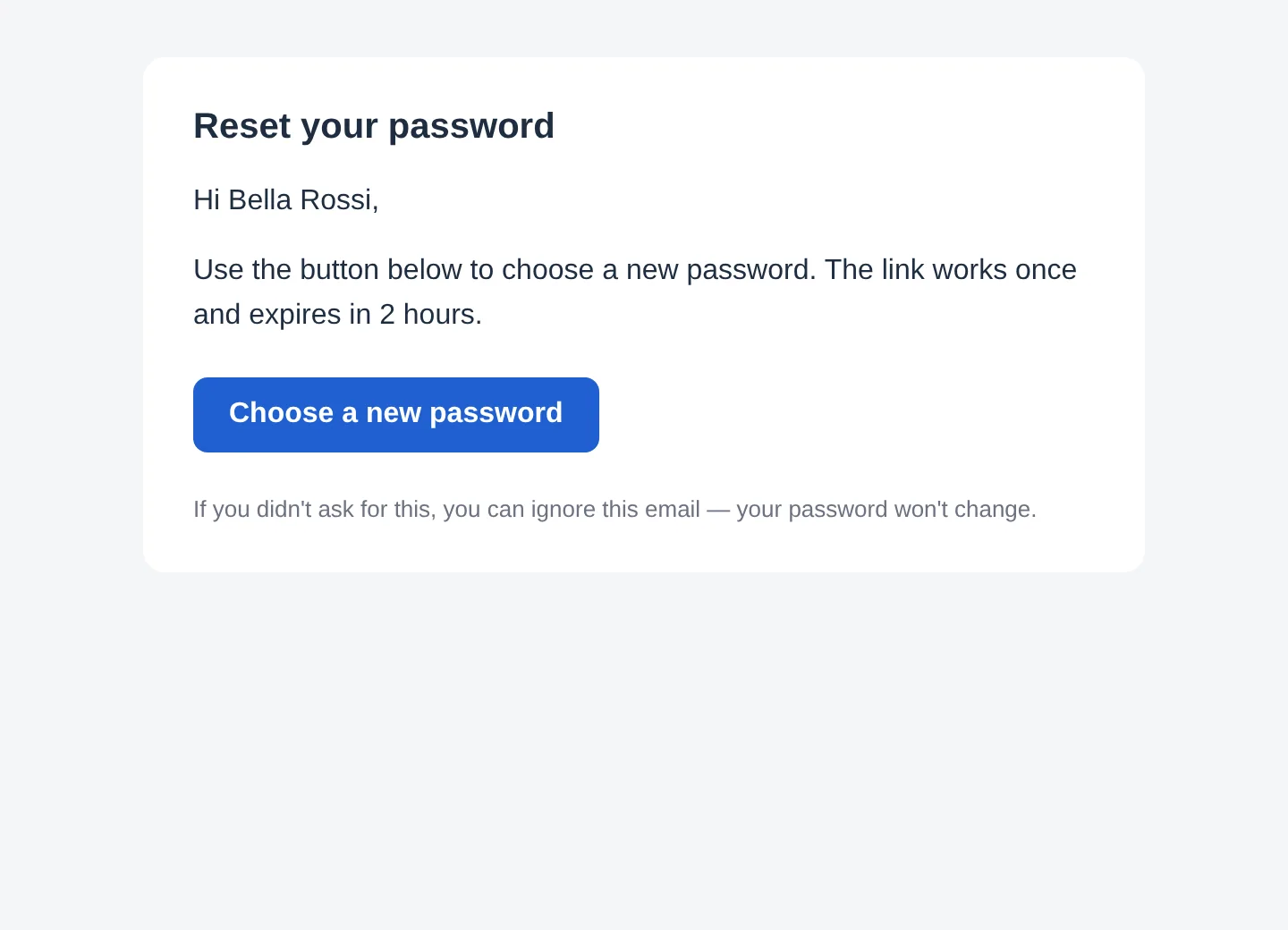
The reset email Choose a new password (at least 8 characters).
For your security, resetting your password signs you out everywhere else.
To change a password you still know, follow the same steps.
Didn't get the email? Check your spam folder, and make sure you typed the email address you signed up with.
Updated Oct 12, 2026, 7:47 PM
Didn’t find what you need? Contact support.