
Creating your account and signing in
Sign up, find your welcome email, and sign in from any device.
Sign up
Go to the sign-up page (https://build.xsitebuilder.com/register):
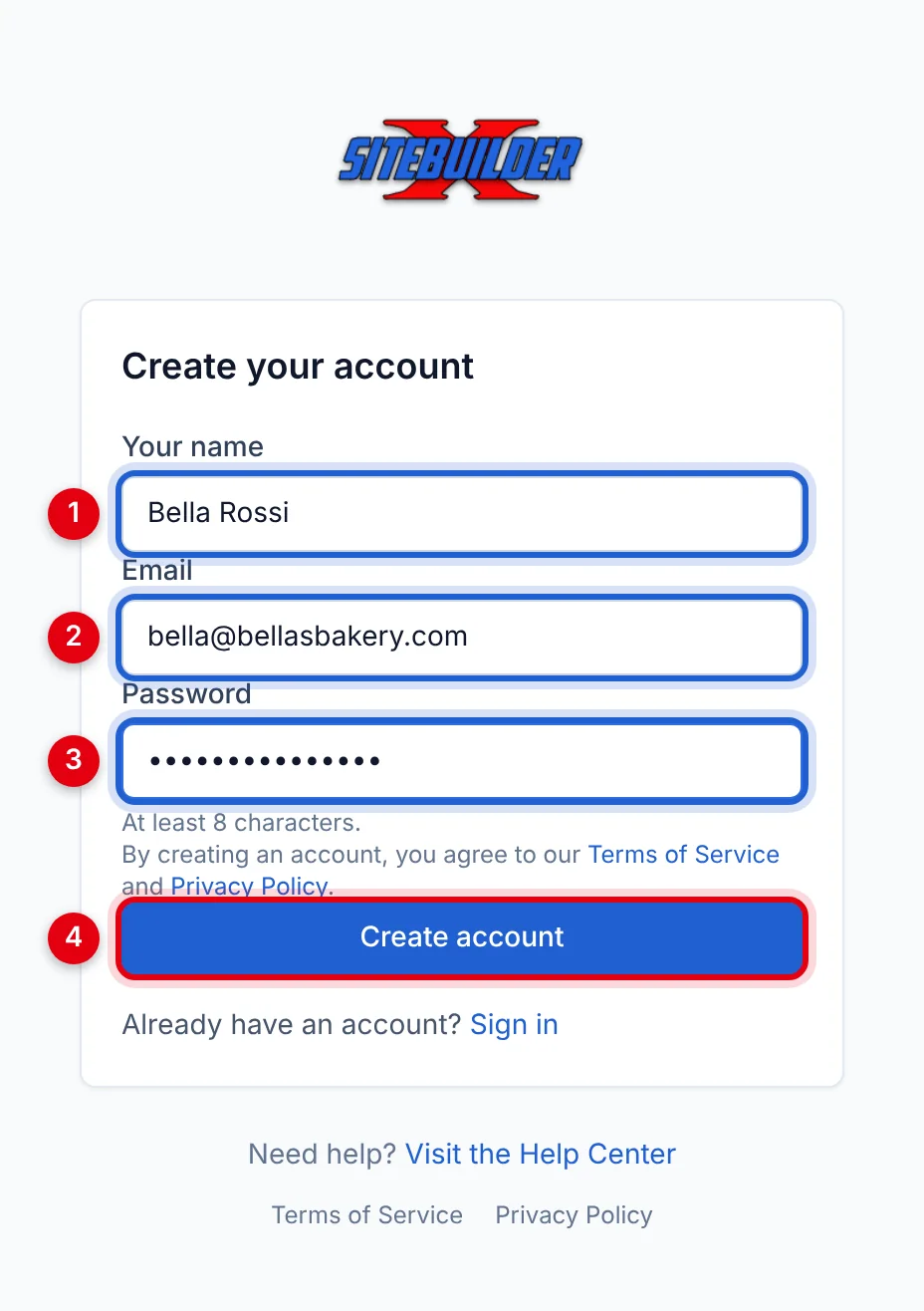
- Your name
- Email — you'll use it to sign in.
- Password — at least 8 characters.
- Click Create account.
You're signed straight in and a workspace is created for you.
Your welcome email
We also send a welcome email with your login details. Keep it somewhere safe. If it hasn't arrived within a few minutes, check your spam or promotions folder.
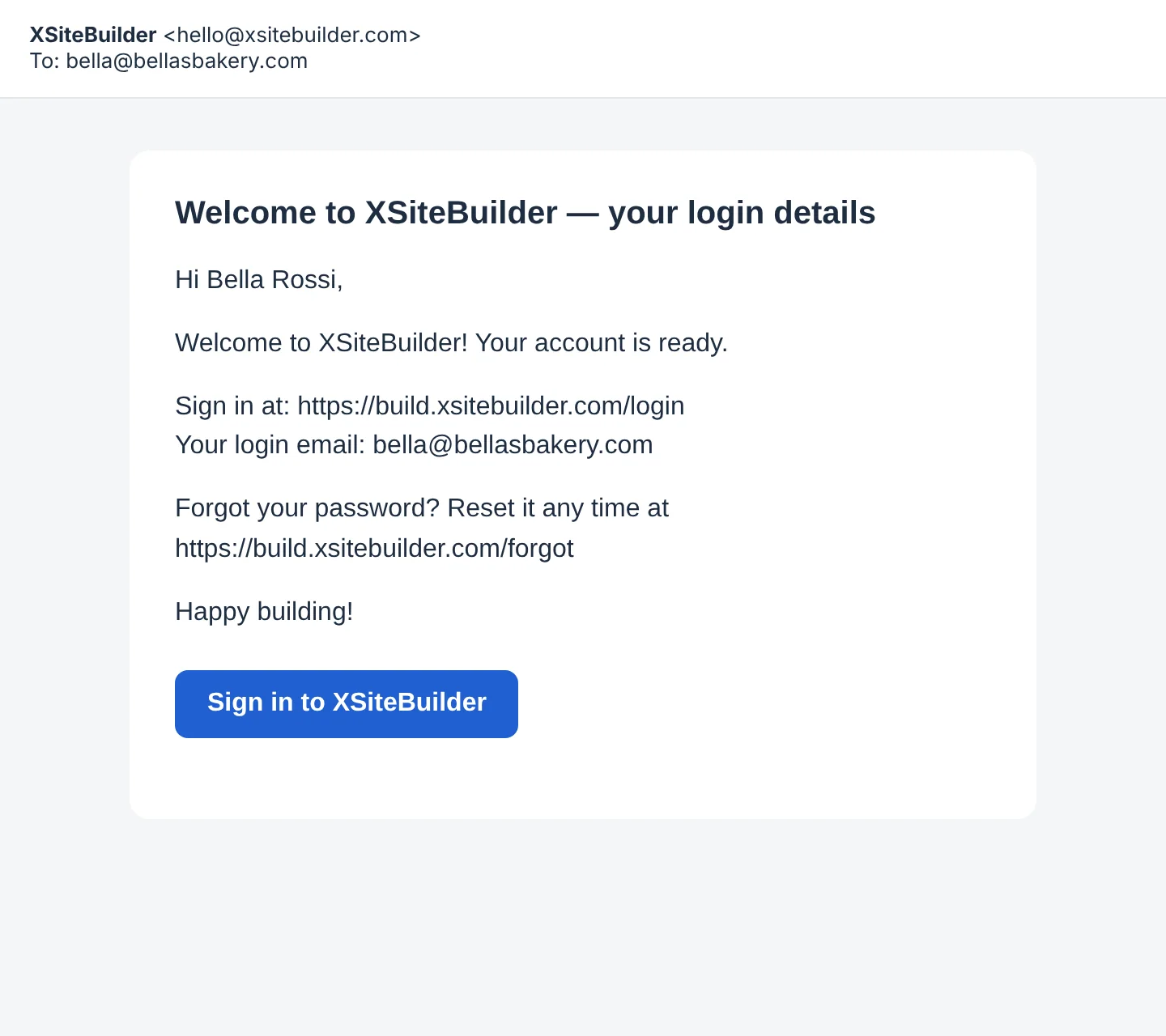
Bought a plan before signing up? Your account was created for you, and your welcome email contains a link to choose your password. The link works for 7 days — after that, use Forgot your password? on the sign-in page.
Sign in
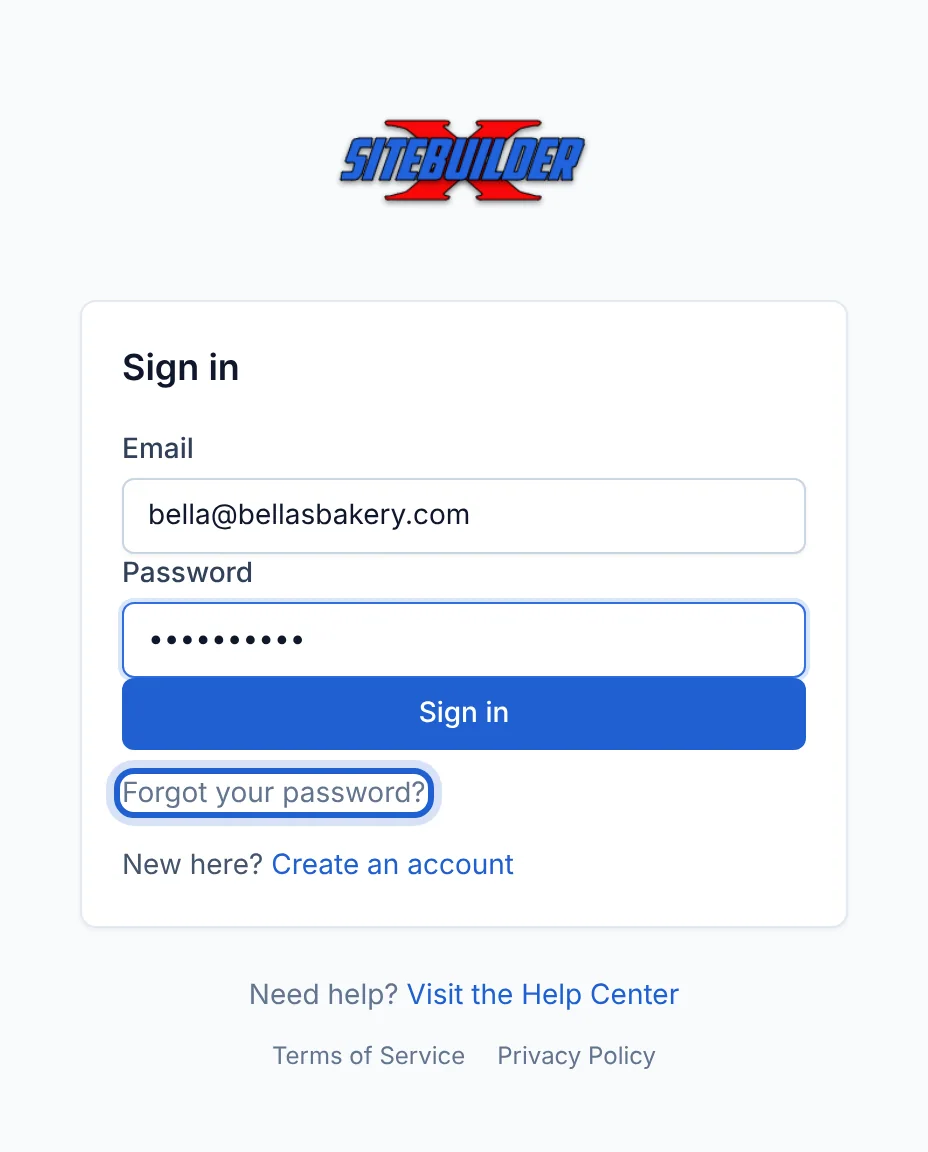
Go to https://build.xsitebuilder.com/login, enter your email and password, and click Sign in. You can sign in on as many computers and browsers as you like.
Signing out
Click Sign out in the top-right corner of any page. Always do this on shared or public computers.
Forgotten your password? See Resetting your password.
Didn’t find what you need? Contact support.